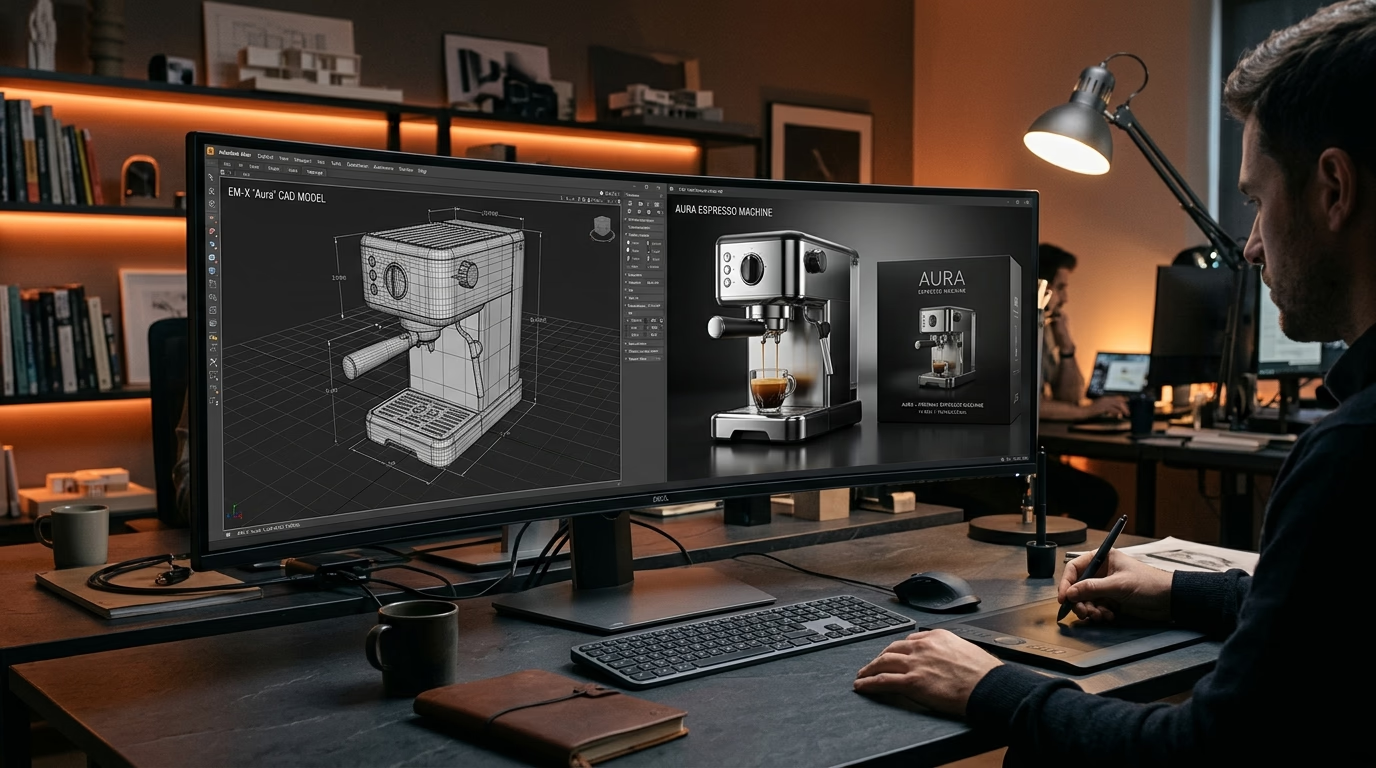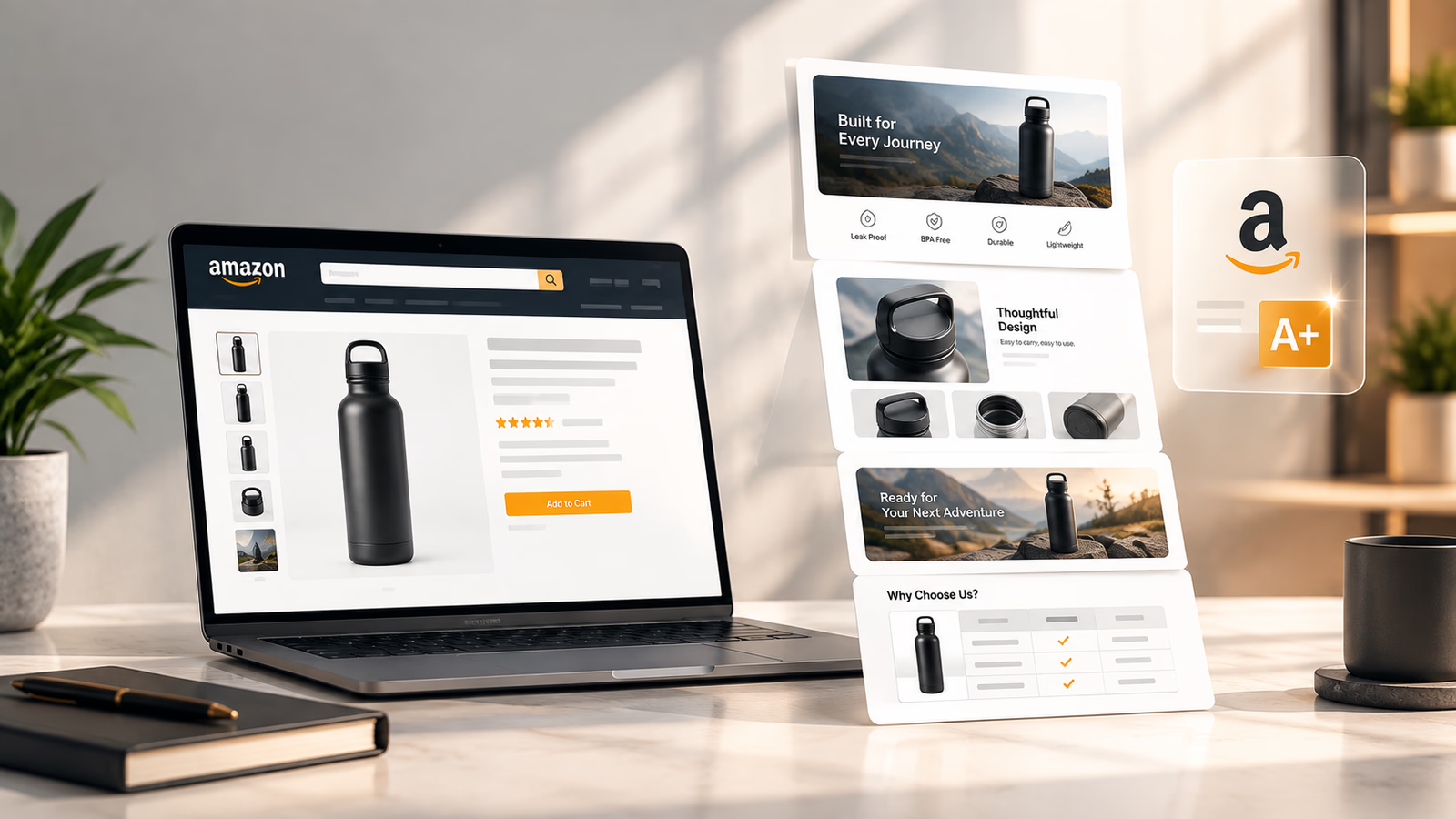

When shoppers browse Amazon, they cannot pick up your product, inspect its finish, or test how its parts fit together. Your listing images do all the heavy lifting to earn the click and close the sale. If a product looks dull, hides key details, or appears inconsistent across variations, shoppers quickly scroll to a competitor.
3D rendering for Amazon gives brands complete creative control over how their products are presented. By building a precise digital model, a 3D artist can fine-tune surface materials, studio lighting, and camera angles to produce visuals that are difficult—or prohibitively expensive—to capture in a traditional photo studio.
But creating a render is not the same as creating a convincing product image. The model must be accurate, the materials must look realistic, and the composition must help shoppers understand the product. A polished image that shows the wrong finish or an accessory that is not included can do more harm than good.
What Makes a 3D Product Render Photorealistic?
Photorealism comes from several elements working together. High resolution alone is not enough.
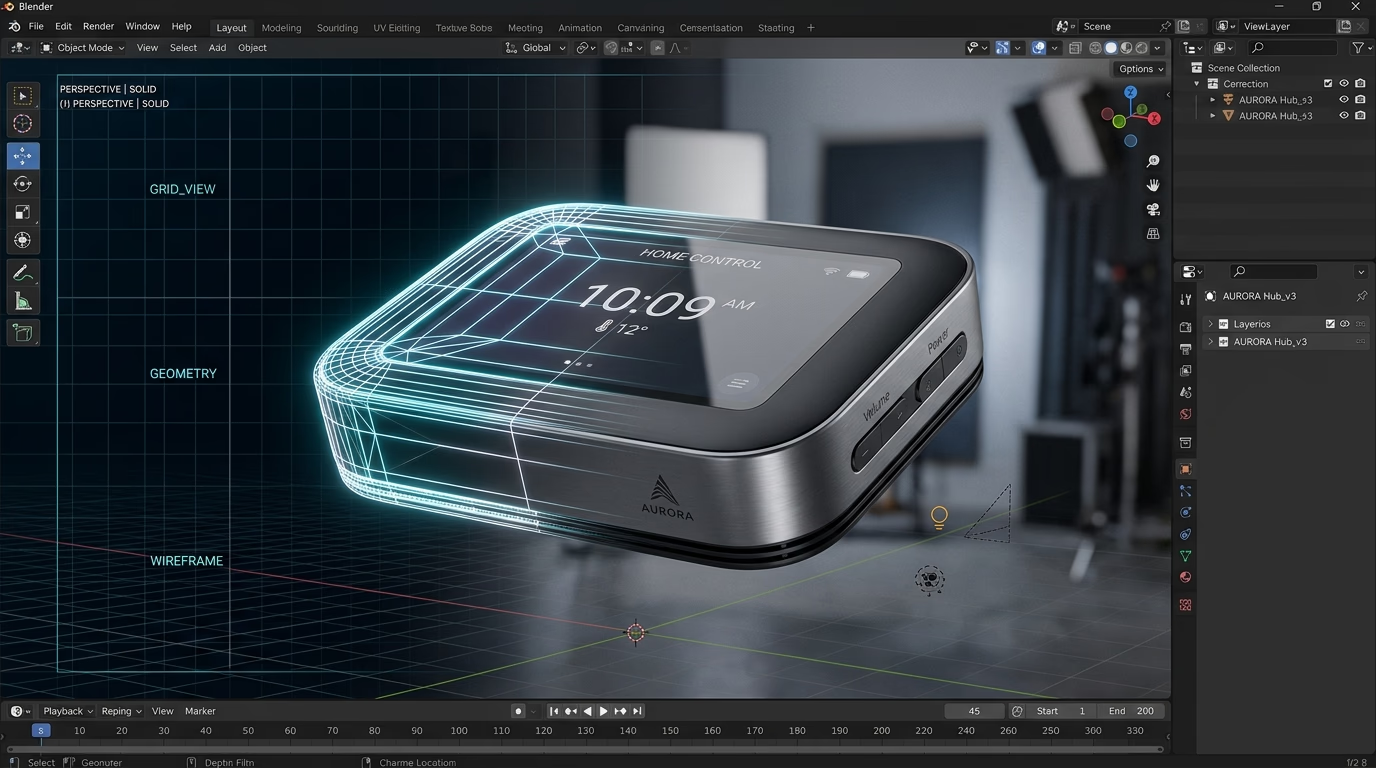
Accurate Geometry
The model needs to match the real product's shape, proportions, components, and construction. Small details matter: the spacing around a button, the thickness of a bottle cap, the shape of a connector, or the position of a seam can change how authentic an image looks.
A convincing render starts with reliable source material, not guesswork. CAD files are especially useful for products with precise dimensions or multiple components.
Materials That Behave Like Real Materials (PBR)
Plastic, glass, metal, rubber, and fabric all interact with light differently. Matte plastic should not look like polished chrome. Brushed aluminum should have directional texture rather than a smooth mirror reflection.
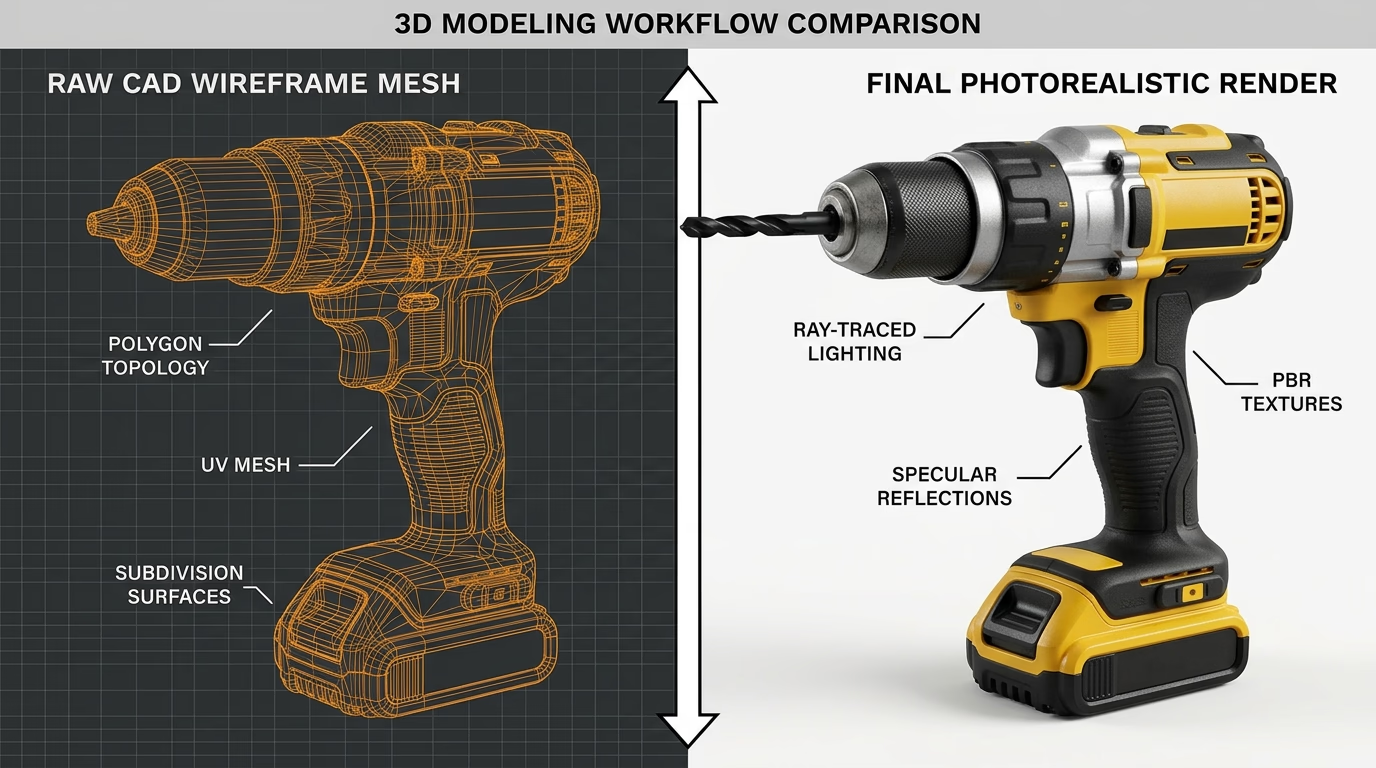
Physically based rendering, commonly called PBR, gives artists control over properties such as base color, roughness, metallic response, and surface detail. These settings help materials react to light more like their real-world counterparts.
Transparent bottles, cosmetics, and certain liquid products introduce additional challenges. Refraction affects how light passes through transparent materials, while subsurface scattering simulates light entering a material, scattering beneath its surface, and emerging nearby. These effects can help reproduce the appearance of materials such as wax or milk, but they must suit the product being represented.
Adobe's Substance 3D materials documentation explains the material properties used to create these effects.
Lighting, Ray Tracing, and Global Illumination
Lighting reveals a product's shape and texture. A large, soft light source can make curved plastic easier to read, while carefully positioned highlights can show the shape of a metallic component.
Ray tracing calculates how light interacts with surfaces, while global illumination accounts for indirect light bouncing between surfaces. These techniques help create convincing shadows, reflections, and depth. They do not guarantee realism on their own. Incorrect lighting or exaggerated reflections can still make a product look artificial.
Texture and Camera Composition
Subtle surface grain, molded seams, brushed-metal texture, and appropriate edge highlights help materials look believable. The camera angle matters just as much. A technically accurate model can still be confusing if the view hides its main feature or makes its proportions difficult to judge.
The finished image should make the product easy to identify at thumbnail size, not just look impressive when enlarged.
Four Ways 3D Rendering Can Help an Amazon Listing
1. Create Controlled Product Views
A digital scene lets a designer adjust camera position, lighting, and product placement without repeatedly arranging a physical set. This can be especially useful for objects with reflective surfaces, complex shapes, or components that need to remain visible.
However, an obvious or low-grade render will not pass as an Amazon main image. Amazon's technical standards require true-to-life product representation, a pure white background (RGB 255, 255, 255), and product framing that fills at least 85% of the canvas with zero props or text overlays.
Check Amazon's current Product Image Guide and your category style guide before choosing your production workflow. For a 3D render to work in the main image slot, it must be visually indistinguishable from a studio photograph and match the physical SKU down to the finest detail.
For a practical checklist, see our guide to Amazon main image requirements.
2. Explain Features That Are Difficult to Photograph
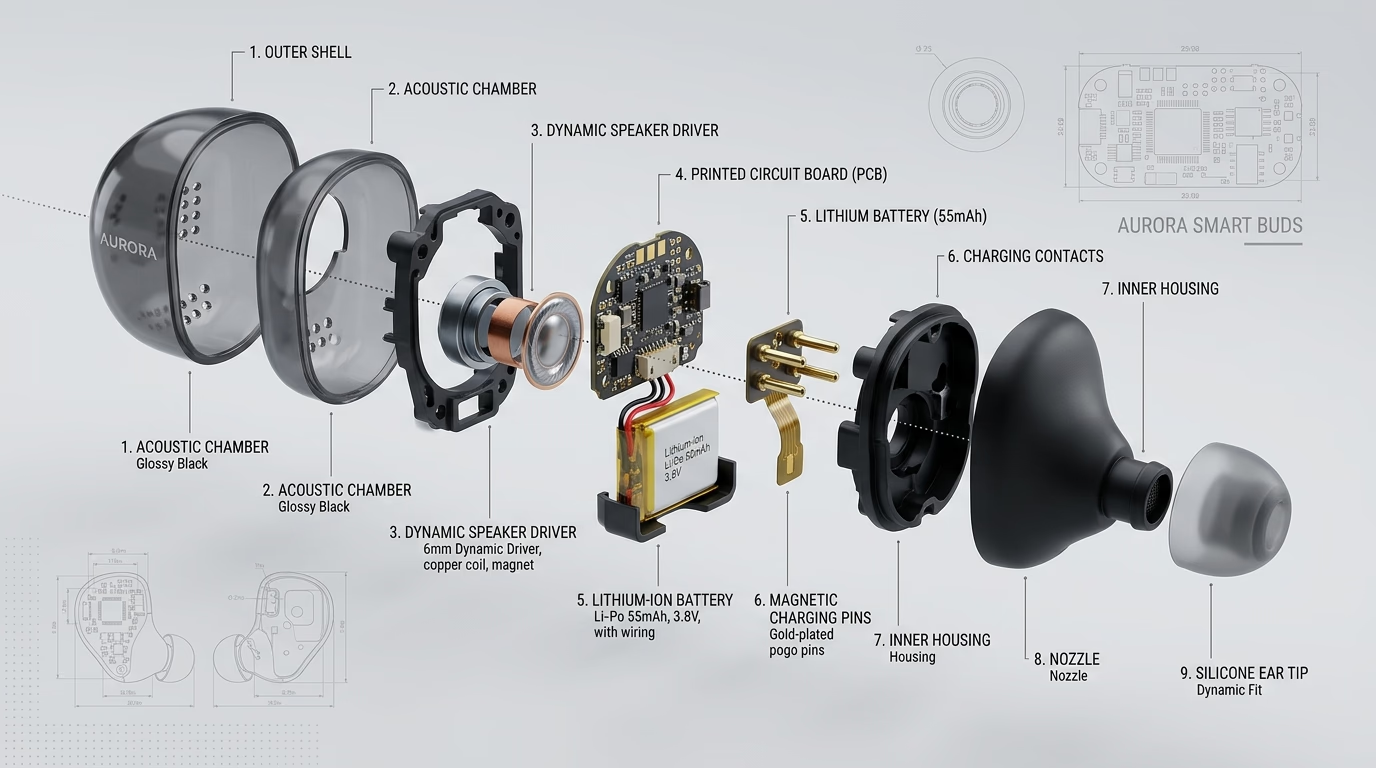
Some products have details that are difficult to communicate through a standard front-facing photograph. These might include an attachment system, an internal mechanism, a multi-part assembly, or the way different components fit together.
A carefully designed secondary image can use an exploded view, cutaway, or close-up to explain these features. This can help shoppers understand the product before purchasing.
Accuracy is essential. An exploded view should show the real parts and their relationships. A cutaway should not invent an internal construction that the product does not have. If the internal structure is unconfirmed, use verified engineering information rather than asking the artist to fill in the gaps.
The goal is to explain a genuine product feature, not to make a simple product appear more technologically advanced than it is.
3. Keep Product Variations Visually Consistent
Brands selling multiple colors, sizes, or compatible versions often need images that look like part of the same catalog. A reusable 3D scene can help maintain consistent camera angles, product scale, lighting, and composition across variations.
This matters when shoppers compare options on the same listing. If one color appears much darker or one version looks significantly larger because of inconsistent image production, the differences can distract from the actual product choice.
Each variation must still be represented accurately. A shared scene is a starting point, not permission to reuse an image that misrepresents a different SKU.
4. Reuse Digital Assets for Future Creative Work
A well-prepared model can remain useful after the initial listing is finished. Depending on the product and model, it may support new angles, updated packaging, additional color variants, detail images, or suitable A+ Content visuals.
This can reduce repeated setup work when several products share the same construction. It does not make every future revision free. A label update may be straightforward, while a redesigned enclosure or different component layout may require modeling changes.
Ask for a clear agreement about source files and model ownership. If the agency delivers only flat images and retains the model, you may need to pay again to make certain future updates.
For a closer look at the financial side, see our guide to Amazon product rendering pricing. For a broader comparison of flexibility, production effort, and photography, read our guide on 3D rendering vs. traditional product photography.
How to Evaluate a 3D Rendering Provider
A portfolio full of attractive images is a starting point, not proof that a provider can represent your product accurately. Look for examples involving products with similar geometry, materials, or packaging.
Before committing, assess the work against five practical criteria:
- Product accuracy: Can the provider reproduce small components, proportions, labels, and finishes without inventing details?
- Material realism: Do reflective, transparent, and textured surfaces look convincing, or do they appear overly smooth and artificial?
- Image purpose: Can the provider create useful feature visuals and lifestyle compositions, not just a polished white-background render?
- Review process: Will you see a clay model or initial lighting preview before the entire image set is produced?
- Deliverables: Are finished graphics, revision rounds, usage rights, and source files clearly defined?
Provide CAD or STEP files if available, plus approved packaging artwork and clear reference images. If you need a more detailed breakdown of source files, pricing models, revisions, and budgeting, see the Amazon product rendering cost guide.
To see how 3D renders integrate with full listing images and A+ Content, explore our Lumina Bites listing-creative case study. The project highlights how photorealistic rendering works alongside strategic copy, infographics, and conversion-focused design as part of a complete visual system.
How to Judge a Render Before It Goes Live
Do not approve an image just because it looks attractive on a large monitor. Check it against the real product and the mobile shopping context in which buyers will view it:
- Product accuracy: Do the shape, components, color, finish, and included accessories match the item being sold?
- Thumbnail clarity: Can a shopper identify the product when the image is displayed small?
- Material realism: Do plastic, metal, glass, fabric, and other surfaces look appropriate for the real materials?
- Useful composition: Does the view explain the intended feature without unnecessary decoration?
- Amazon compliance: Does the image meet the current rules for its intended slot and product category?
A render can look impressive and still fail this review. Fix an inaccurate component or an invented feature before spending time on extra highlights or more dramatic lighting.
Frequently Asked Questions
What is 3D rendering for Amazon?
It is the process of creating digital product images from a 3D model. A designer controls the product's geometry, materials, lighting, camera angle, and scene to produce images for appropriate Amazon listing slots and A+ Content.
Are photorealistic 3D renders allowed as Amazon main images?
Amazon's official style guides prohibit non-photographic drawings and cartoon illustrations in the main image slot, requiring an accurate, photorealistic representation of the physical product on a pure white background (RGB 255, 255, 255) filling at least 85% of the frame. When brands use 3D rendering for main images, the render must be 100% photorealistic—indistinguishable from a studio photo—and match the exact dimensions, materials, and labels of the shipped item. Always verify your specific category's current style guide before publishing.
Can 3D product rendering improve Amazon conversions?
It can help shoppers understand a product by making details clearer, explaining relevant features, and keeping variations consistent. However, there is no guaranteed conversion lift from rendering alone. Results also depend on the offer, price, reviews, traffic quality, and the rest of the listing. Where possible, measure changes with a controlled test rather than assuming that a better-looking image will automatically generate more sales.
Do I need CAD files to get 3D product renders made?
While manufacturer CAD files (.STEP, .IGES, or .OBJ) provide exact dimensions and reduce modeling labor, they are not mandatory. Experienced 3D studios can recreate precise 3D models using physical caliper measurements, high-resolution reference photos from multiple angles, and vector packaging dieline files.
Build a Better Listing Visual System
Photorealistic rendering is most useful when it solves a specific presentation problem. It can help communicate product details, maintain a consistent look across variations, and provide reusable digital assets for future listing work. The result still depends on accurate references, suitable materials, thoughtful composition, and careful review.
If you need help planning a complete set of product visuals, explore our 3D rendering for Amazon service information. Start with the product files you have, the images you need, and the features shoppers most need to understand.
Need help planning photorealistic 3D product renders or an exploded view for your Amazon listing? Book a zero-pressure strategy call with our 3D creative team.
📅 BOOK A FREE 3D RENDERING STRATEGY SESSION